Choose a cleanup type
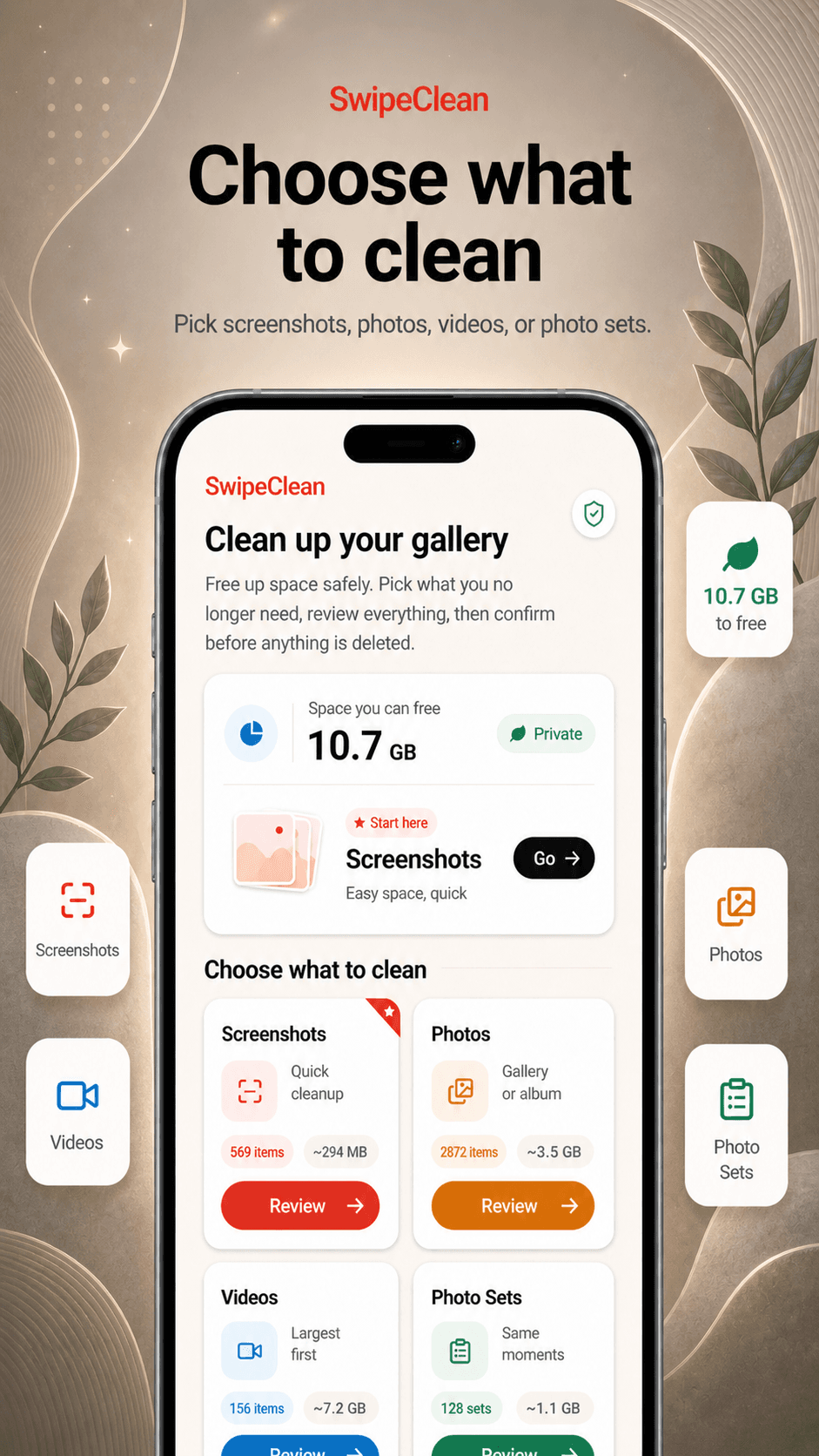
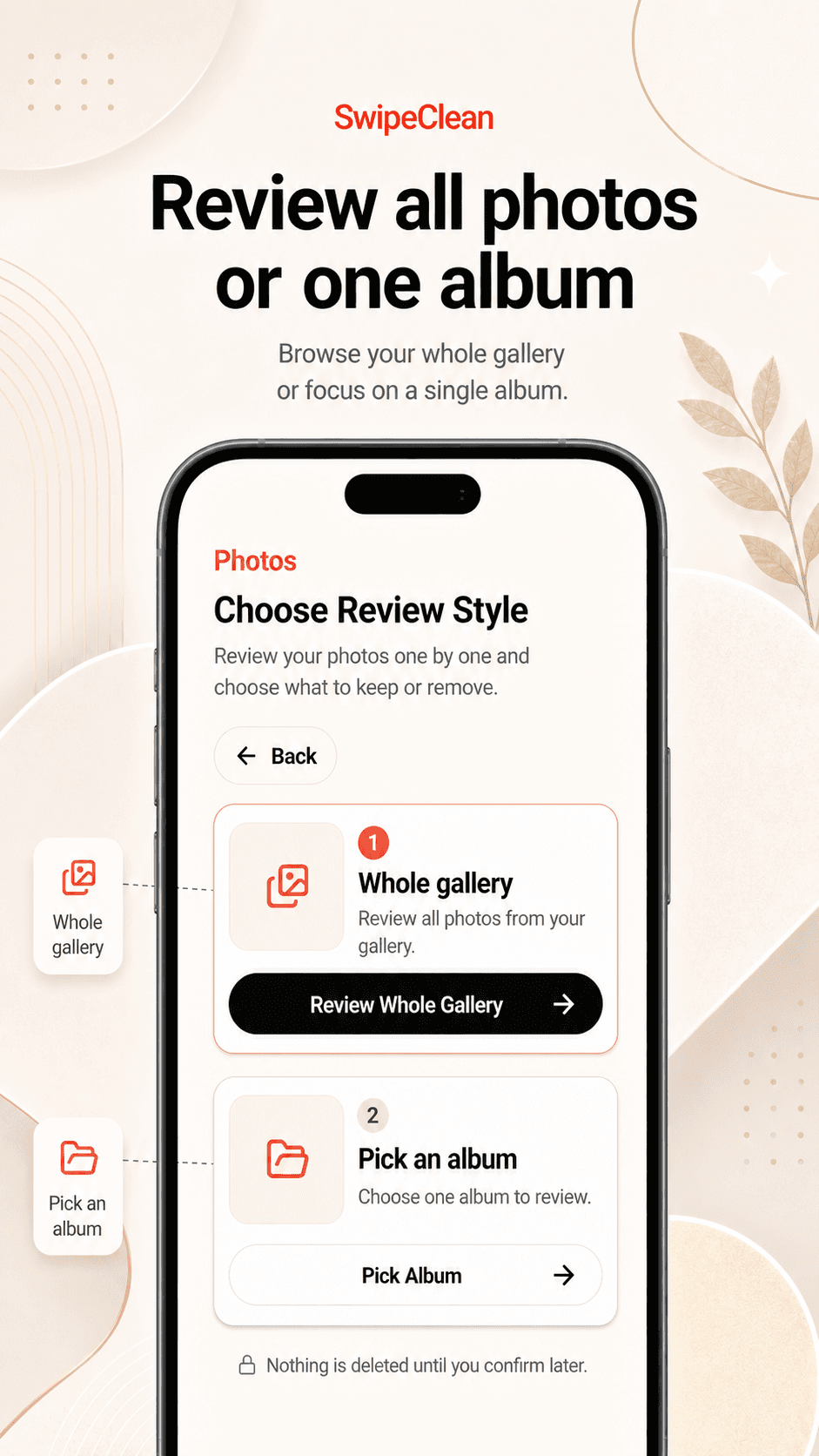
Start with screenshots, photos, similar shots, or large videos so review stays focused.
SwipeClean
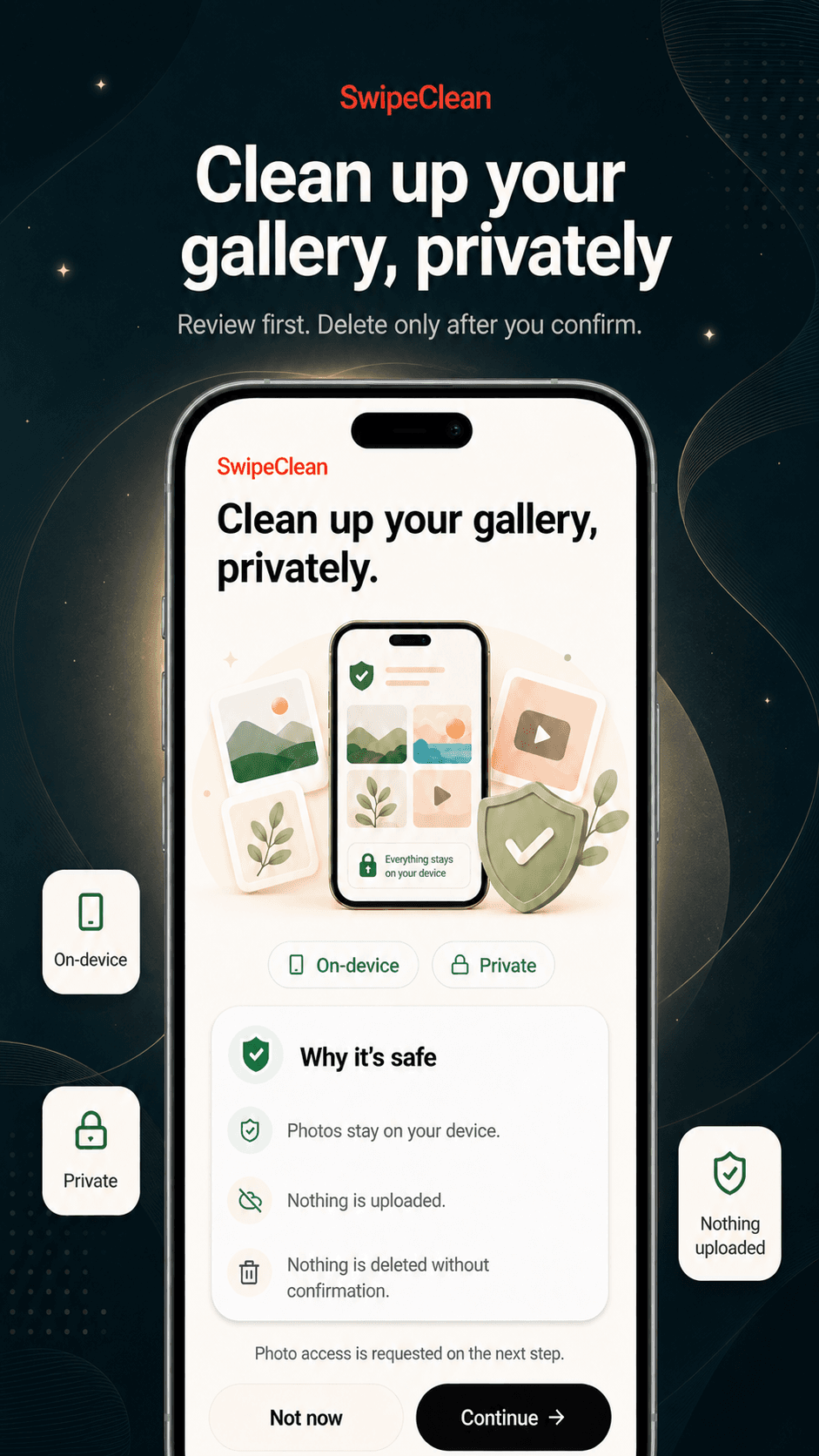
Review screenshots, photos, similar shots, and large videos before anything is deleted. Photos stay on your device and nothing is uploaded by the app.
How it works
SwipeClean keeps cleanup practical: pick a mode, make decisions, and confirm deletion only after a final review.
Start with screenshots, photos, similar shots, or large videos so review stays focused.
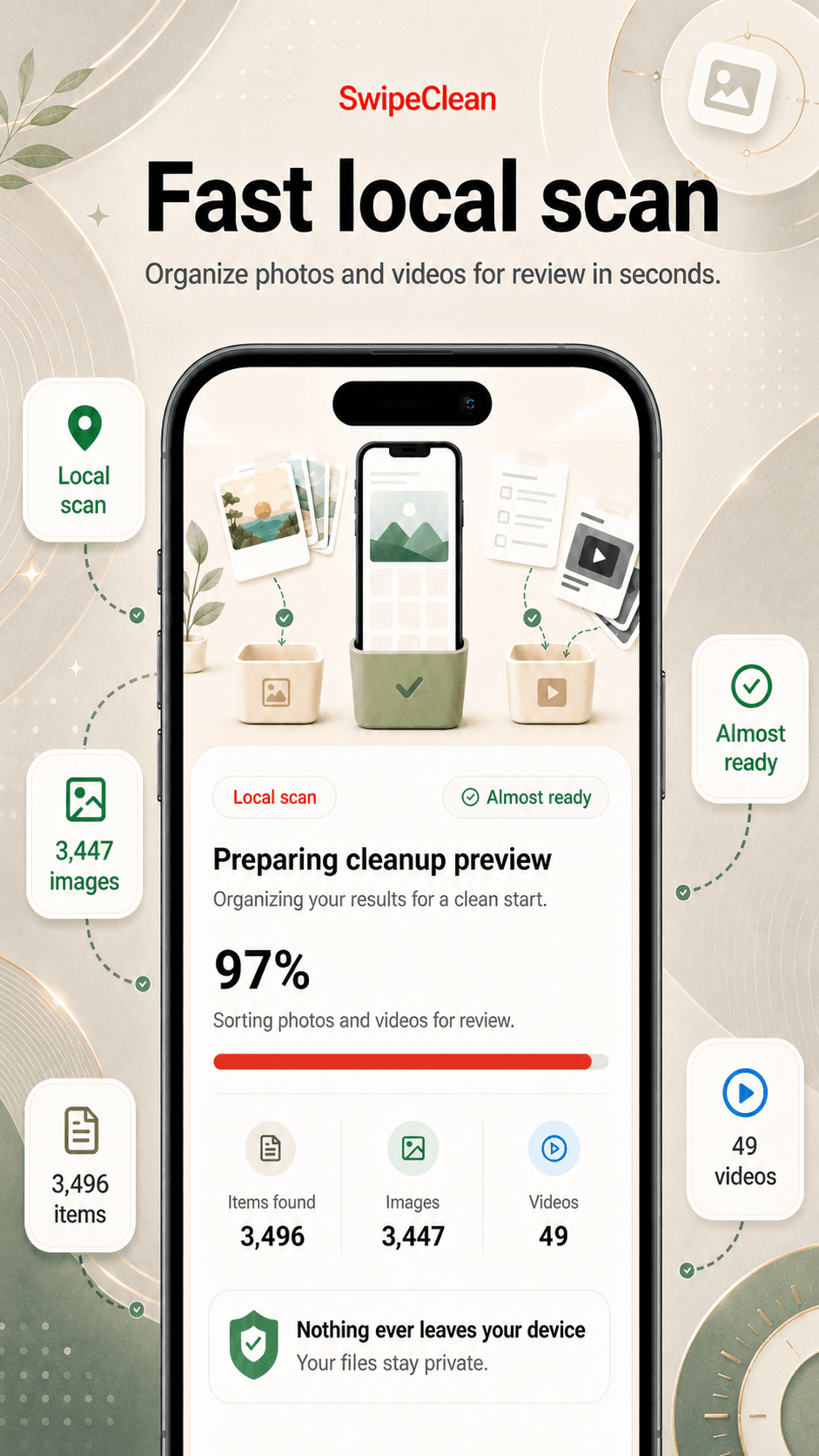
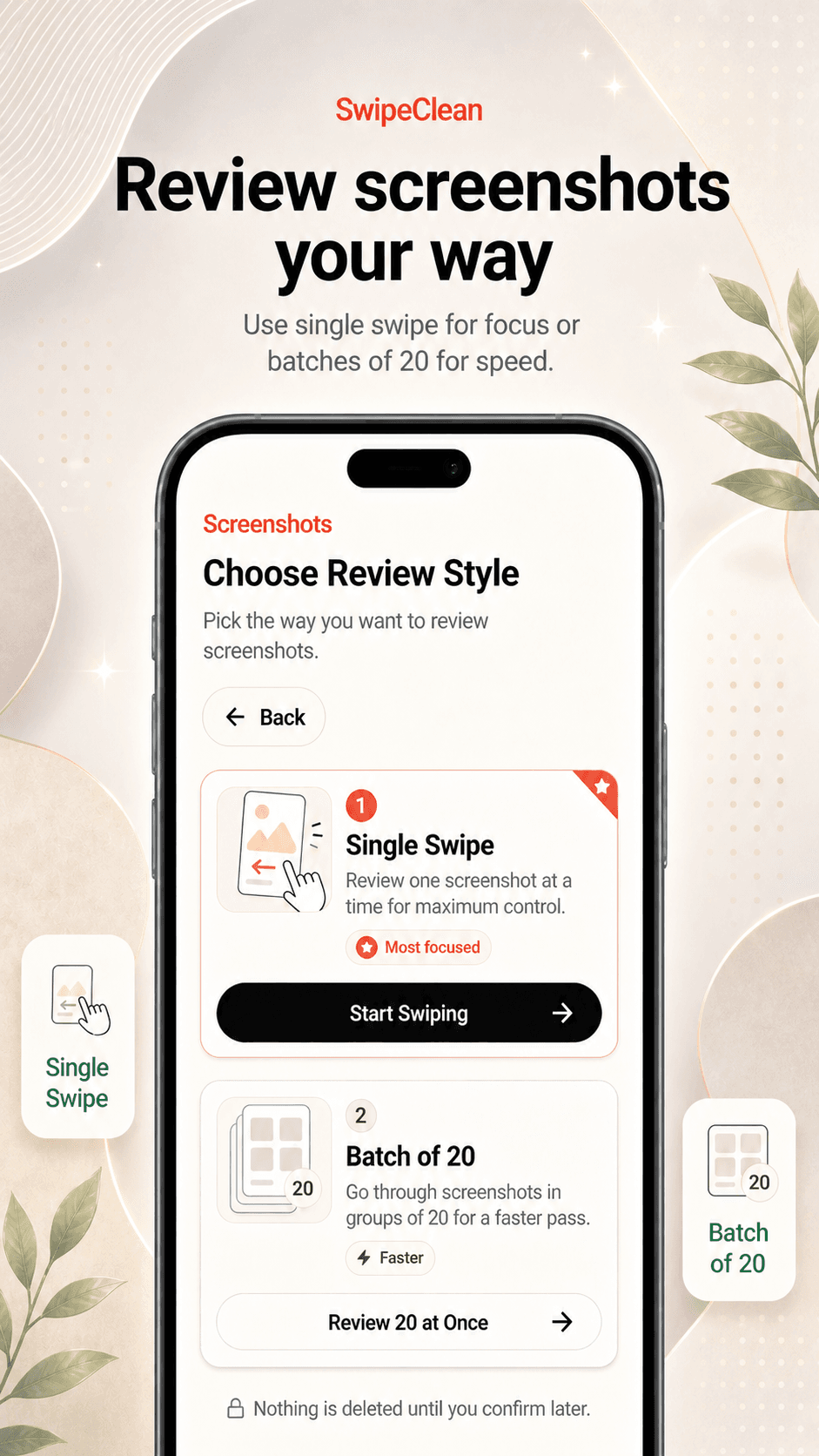
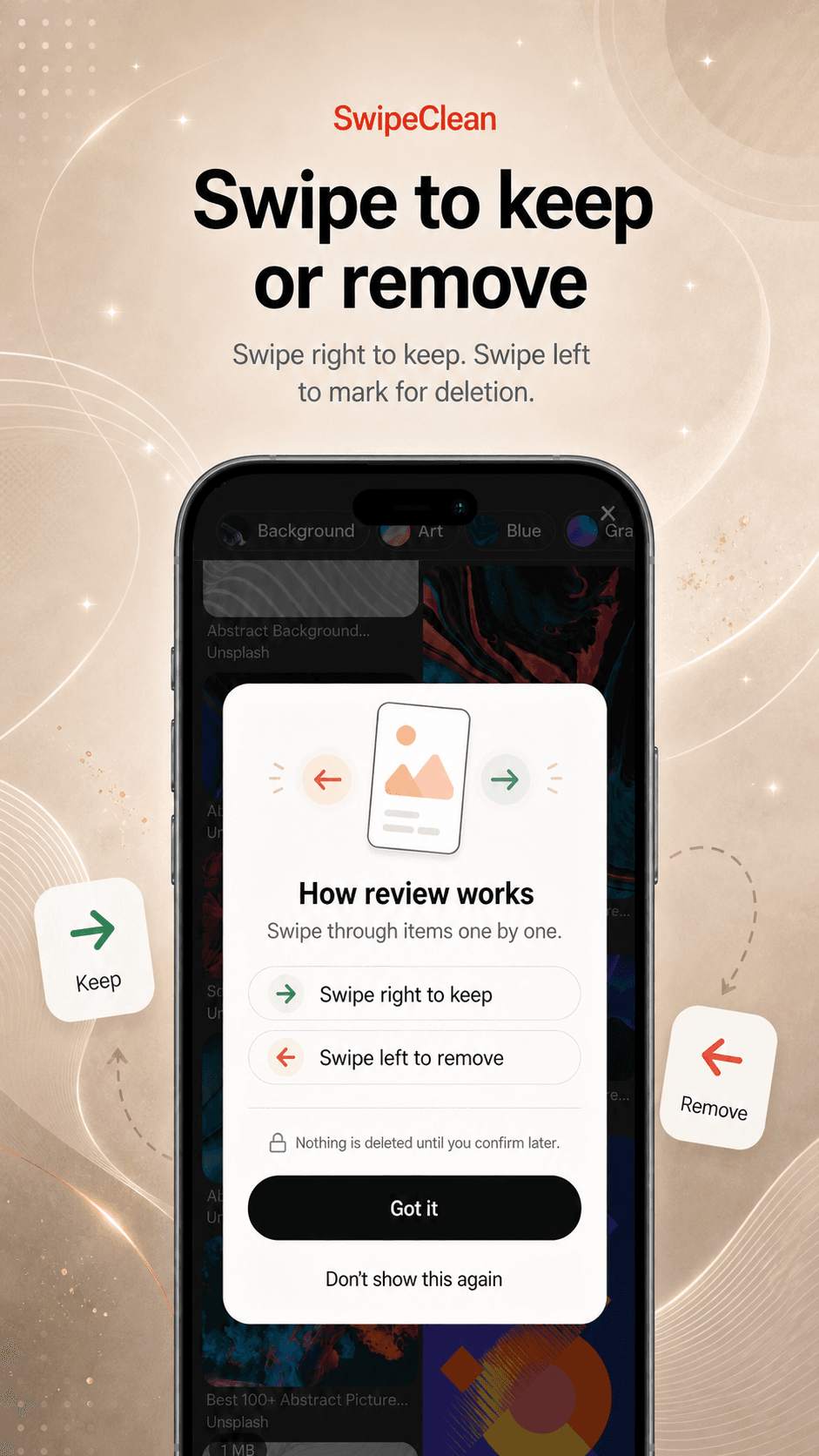
Swipe or batch through items and decide what should stay or go into Delete Review.
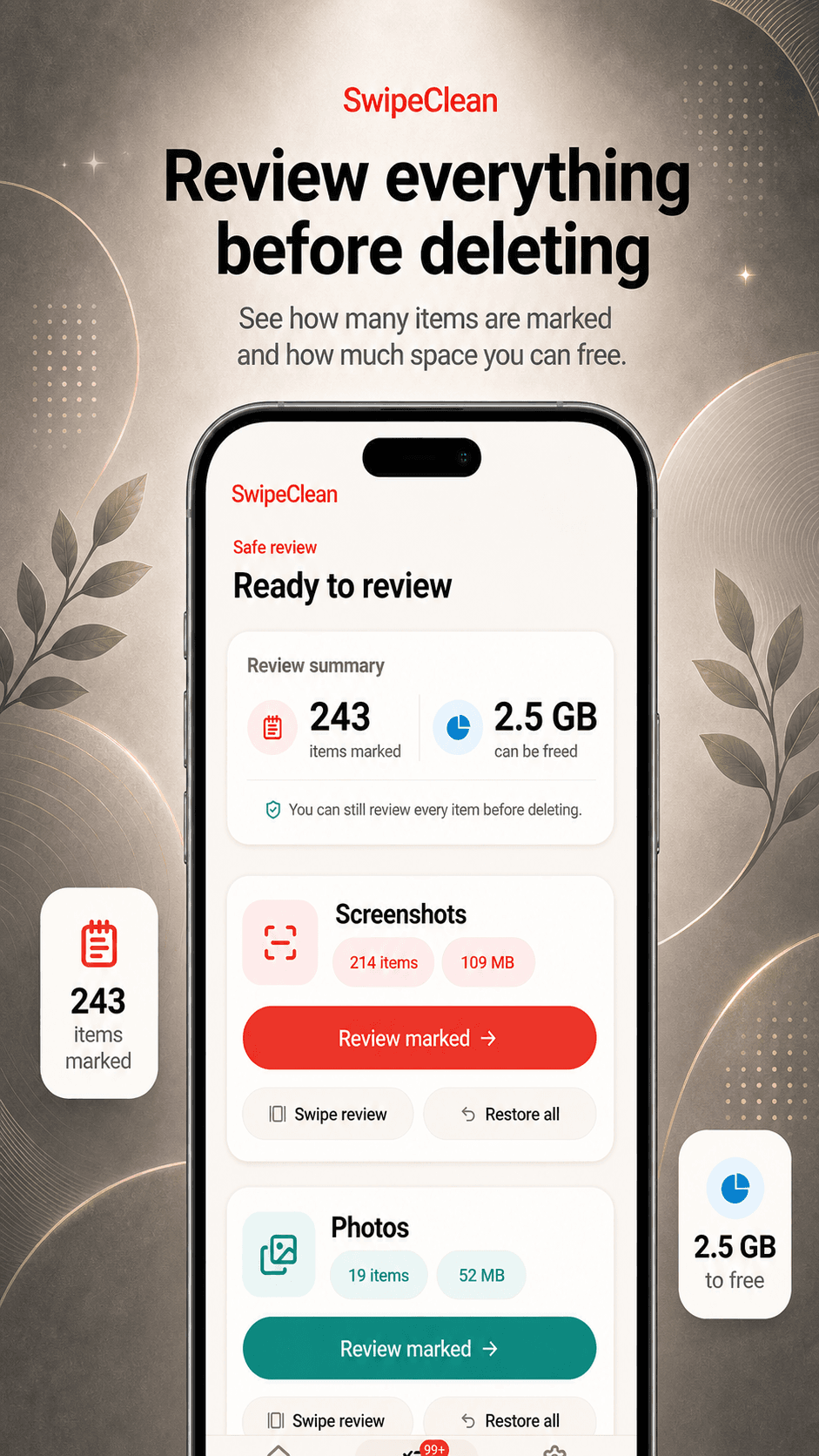
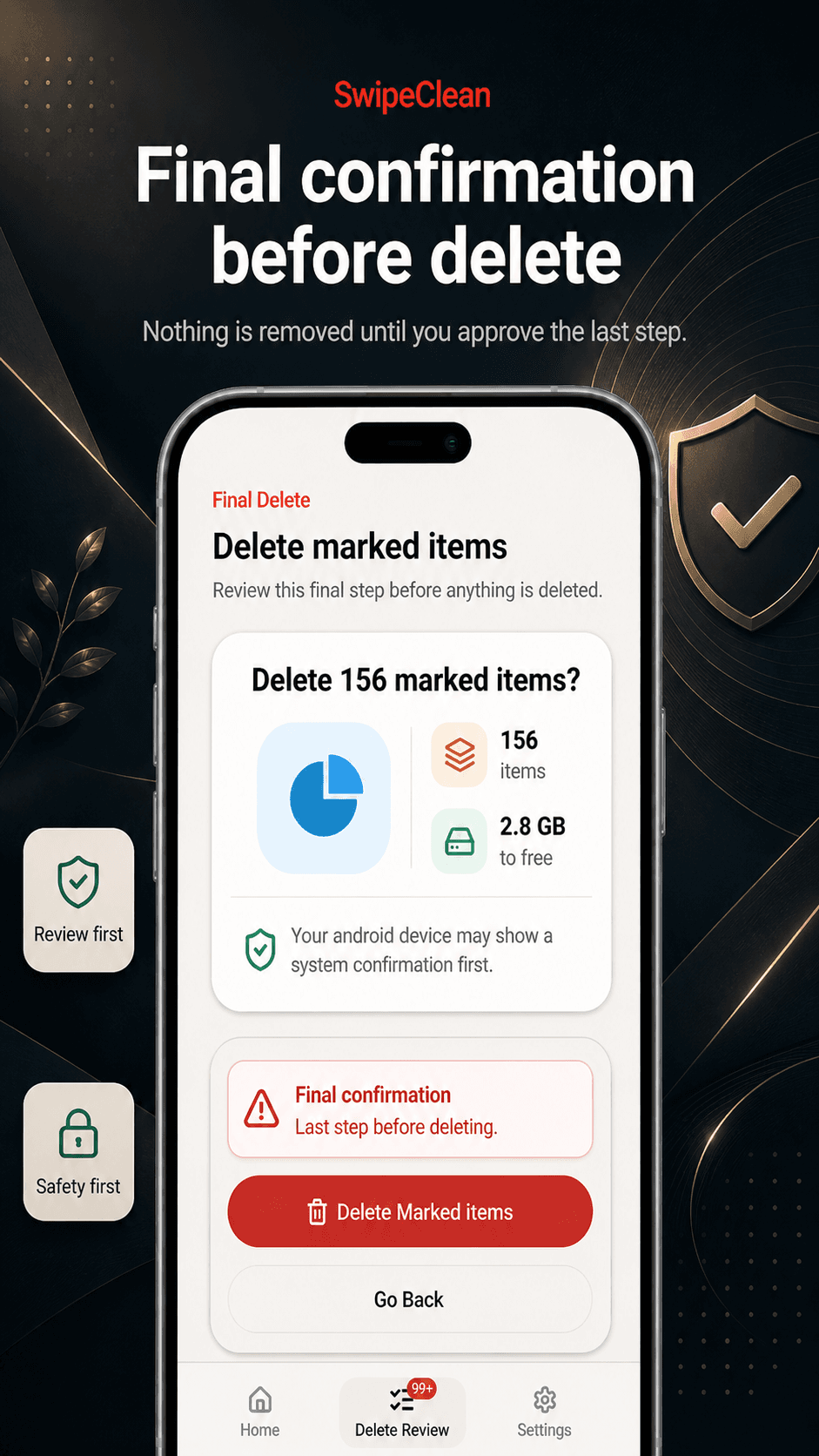
Nothing is deleted until you review the queue and confirm the final delete action.
Cleanup modes
Each mode uses the same app-style safety pattern: review, queue, then confirm.
Triage old captures and keep the ones that still matter.
Review groups of media without sending your files away.
Find heavier media that may be worth checking first.
Use a final safety queue before confirmed deletion.
Private by design
SwipeClean uses local review flows for your media. The app does not upload, share, or store your photos or videos.
Photo and video review happens on your device.
Nothing is uploaded by the app for cleanup.
Nothing is deleted without your confirmation.
Screenshots
Real Play Store screenshots show the warm, review-first flow used across SwipeClean.
Final check
Delete Review keeps cleanup choices visible before final deletion. You stay in control of what gets removed.